
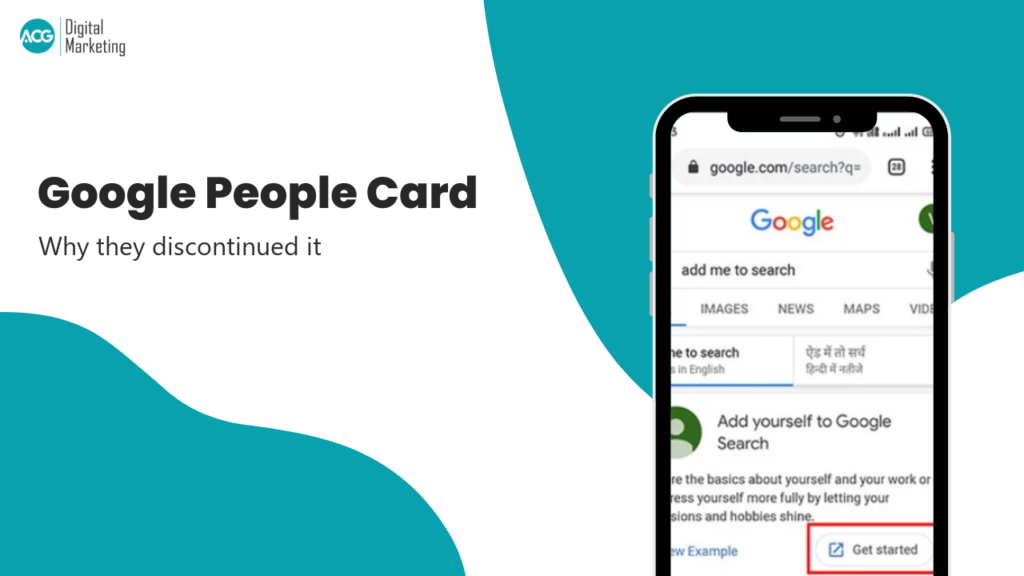
No. Google People Cards, the feature behind the “add me to search” prompt, were shut down on 7 April 2024. You cannot create one, edit one or delete one, and every existing card was wiped from Search after 7 May 2024. If you are still searching for “edit my people card”, nothing you find will work, including some guides published this year.
There is, since June 2026, a new Google feature that does part of the same job. Most people will not qualify for it yet. Both are covered below.
What People Cards were
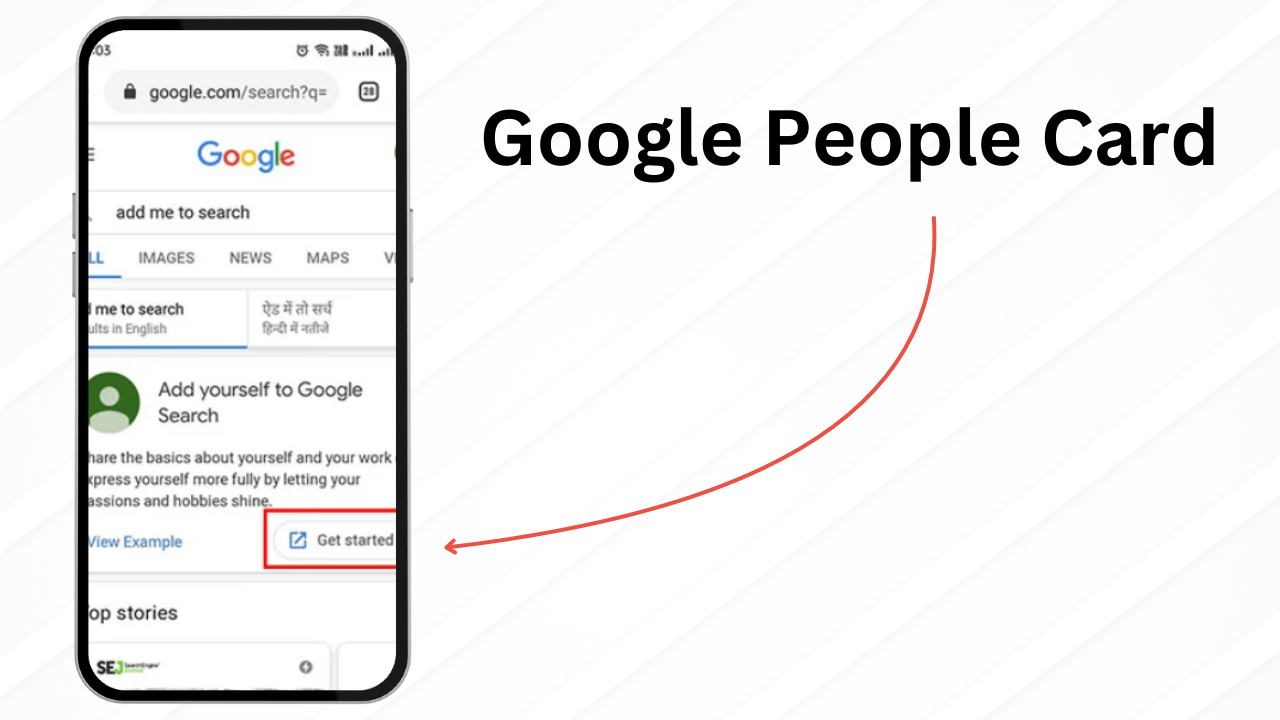
A People Card was a small profile that appeared in Google Search when someone looked up your name. It launched in India in August 2020 and in Kenya, Nigeria and South Africa in December 2020, on mobile only. You created one by signing in to Google on your phone, searching “add me to search”, and filling in a short form with your job, location, links and a bio.
It was useful for freelancers and small business owners who had no website. It was also abused. Google never released it beyond those four countries, although plenty of people used VPNs to get in.
What happened
On 8 March 2024 Google emailed card holders. There was no blog post and no help centre notice. The email said that from 7 April 2024 it would no longer be possible to create new People Cards or update existing ones, that content could be downloaded until 7 May 2024, and that after that date the information would be deleted. Google’s reason was that the feature “wasn’t as helpful for people as we hoped”.
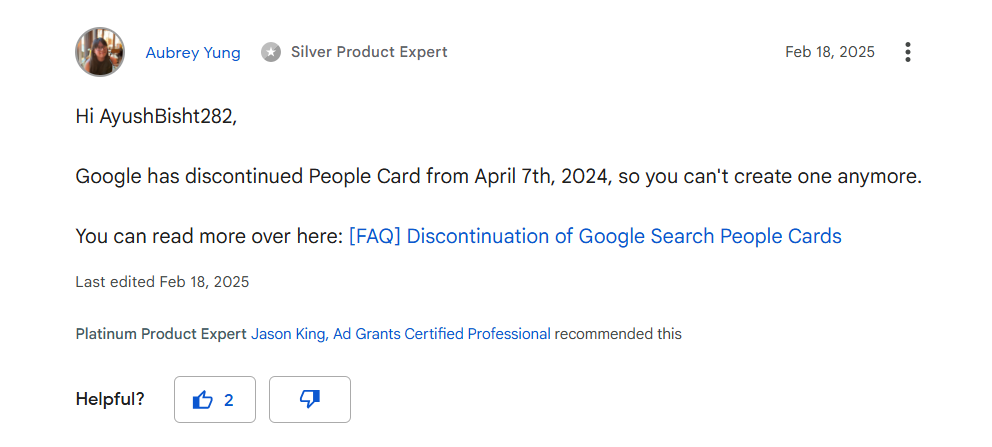
The closest thing to an official record is a pinned FAQ in the Google Search Help Community, written by a Product Expert on 24 March 2024, which repeats the two dates. Google’s own help article for creating a People Card now returns a 404.
Why you keep finding guides that say it works
Dozens of blog posts and YouTube videos still walk through the old steps, including several published in 2025 and 2026. They are copying each other. Google’s AI Overview for “add me to search” still serves the old instructions too, pulled from help forum threads written before the shutdown. If a guide tells you to tap “Get started” under “Add yourself to Google Search”, it is describing a button that no longer exists.
If you already had a card
It is gone. Google deleted all People Card data after 7 May 2024. There is no page where you can view, edit or remove it, and nothing to request. If your name search still shows old details, they are coming from somewhere else, such as a directory site or a social profile, and that is where you need to fix them.
The new thing: Google Search profiles
In June 2026 Google launched Search profiles, a claimable page at profile.google.com with your photo, bio, website, social links and latest posts, plus a “Follow on Google” button. It shows up through your knowledge panel, in Discover, and at a direct URL with an @handle you can edit. Claiming one can trigger a knowledge panel if you did not have one.
The catch is eligibility. As of October 2026 you need 10,000 or more followers or subscribers on one of YouTube, Instagram, X or TikTok, you must be 18 or over, and it is only open in the United States, Canada and India (Brazil is next). The threshold started at 100,000 at launch and dropped to 35,000 in August and 10,000 in September, so it may keep falling. The profile is built from the social accounts you link rather than a form you fill in, name and bio changes need Google’s approval, and Google says it does not affect rankings.
So it is a real successor, but a gated one. A freelancer with 800 LinkedIn connections and no YouTube channel cannot use it today.
What to do instead
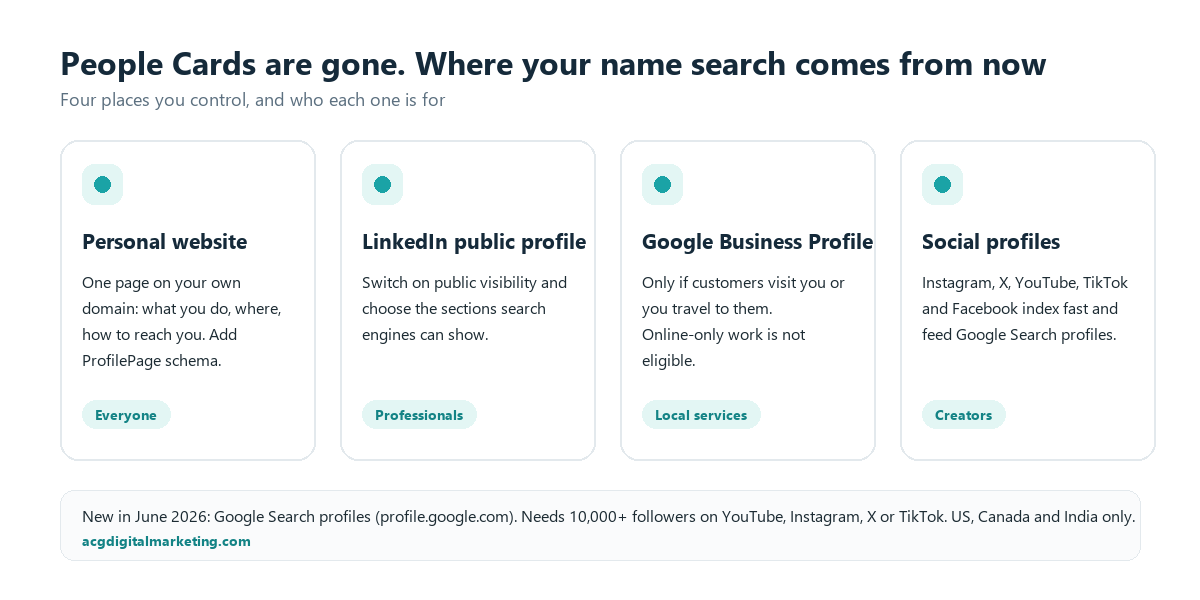
A personal website is still the most reliable option. Buy your name as a domain, put up one page with what you do, where you are, how to reach you and links to your profiles, and add ProfilePage structured data so Google can connect the page to you. It does not produce a special search result, but it is the one page you fully control.
LinkedIn ranks well for name searches, provided your public profile is switched on. Go to Settings, Visibility, “Edit your public profile” and choose which sections logged-out visitors and search engines can see. LinkedIn says changes can take weeks or months to show in Google.
A Google Business Profile only works if customers come to you or you travel to them. Home-based freelancers who visit clients can register as a service-area business with the address hidden. Online-only work is not eligible, and the verification flow added in February 2026 asks you to pick a business type up front, so choosing “online only” ends the process. Expect video verification.
If Google has already generated a knowledge panel for you, you can claim it and suggest edits to the photo, title and social links. You cannot request a panel or write its description. The panel has to exist first, which usually means having a website, consistent social profiles and some third-party coverage.
Social profiles on Instagram, X, Facebook, YouTube and TikTok index quickly and often sit on page one for a name. They are also what Search profiles are built from, so growing one of them is the route to qualifying later.
One tool that sounds related but is not: “Results about you” lets you find and request removal of your phone number, home address, email and, since February 2026 in the US, ID numbers from Search. It removes things. It does not add a profile.
Keeping it up
Running four or five profiles consistently is where most people stop. Each platform has its own rules and pace, and a name search shows whichever profile you last neglected. If you run a local business, the quickest win is a properly verified Google Business Profile, which our GBP management service sets up and keeps current. For anything else about how your name or brand shows up in Google, talk to us.